Friday, November 10, 2017

Artist Study: Paul Octavious


Paul Octavious a graphic designer and artist working out of Chicago. He grew up in Connecticut and while in school for graphic design, he began to take photos as a hobby. After Instagram became popular is photography began to gain popularity.

He has a few series worth noting:


The Lean Series


The Hill Series


But the series me and my student really focused on was his Pantone Project. We are about to start a lesson on color themes in photography and what better why to show that then Octavious's fascinating Pantone paint chip work. Using an app created by Pantone(Which you can find here  https://www.pantone.com/studio) he find to color in an images and then holds the specific color in the photo.

I personally love how strait forward it is, and there is something very satisfying about seeing a specific color picked out and labeled in nature.

The Pantone Project


Tune in Later for the student examples to come.

Sunday, November 5, 2017

Low- Poly Geometric designs


I want to start this article with, I love my job. I think that the digital medium is exciting, new and always changing, that being said, many student take my class because they believe it will be an easy A, and they don't think of the class as a preview to a serious profession. Even though, according to the Bureau of Labor statistics, Multi-media and Animation are professions growing at 10%. To put that in prospect Mechanical Engineering in growing at 9%.

So with that in mind this project is very important, because after it is finished I have seen students begin to take pride in their Artwork. They see what they do during this lesson and it starts tyo break down the walls of "I'm bad at art." And replaces it with, "I might be good at computer art."


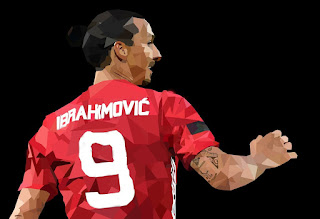
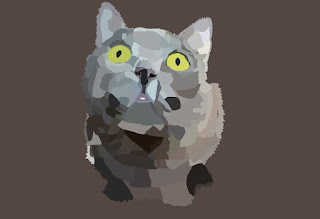
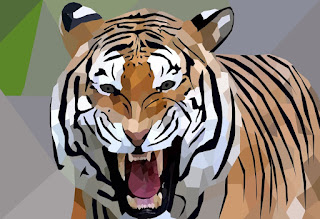
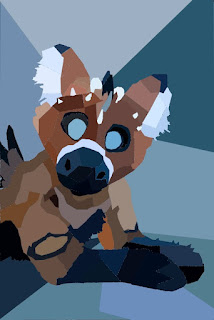
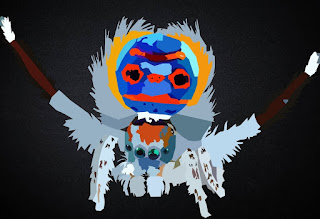
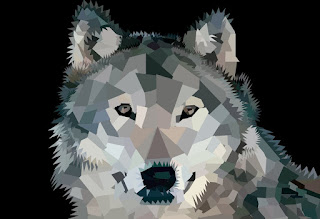
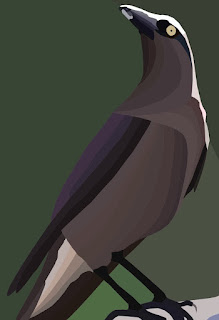
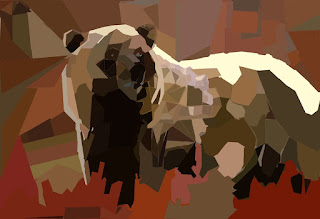
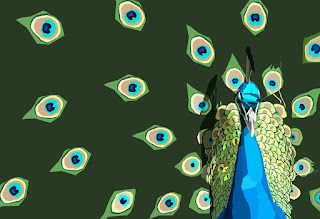
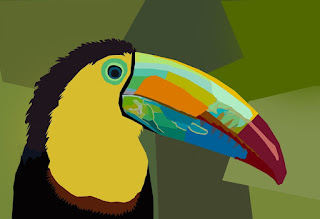
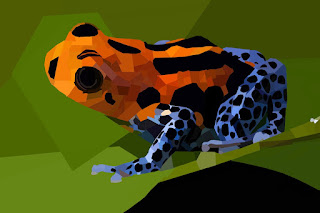
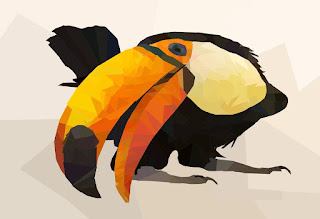
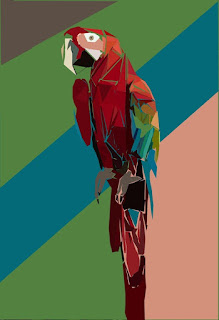
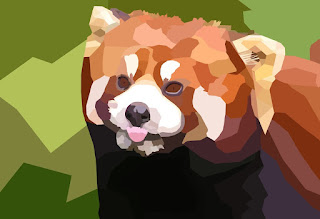
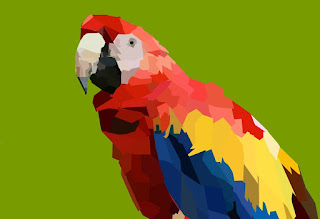
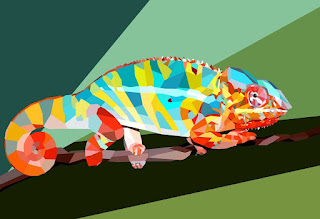
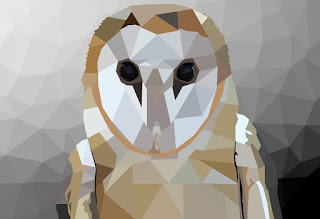
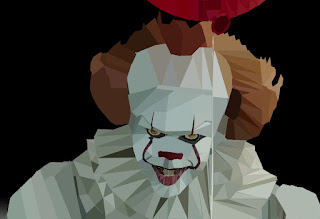
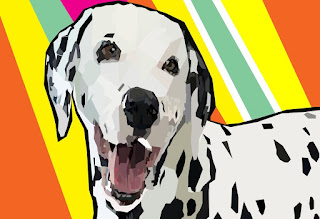
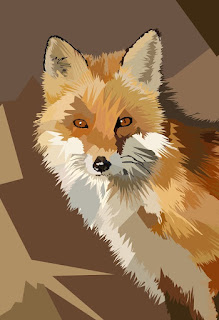
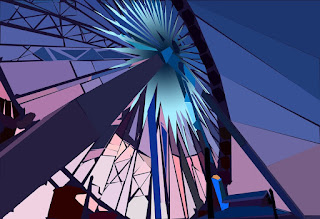
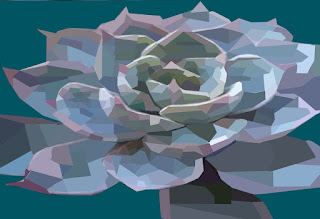
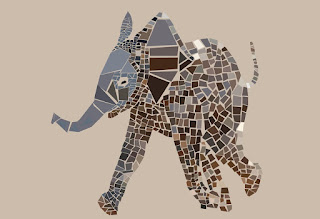
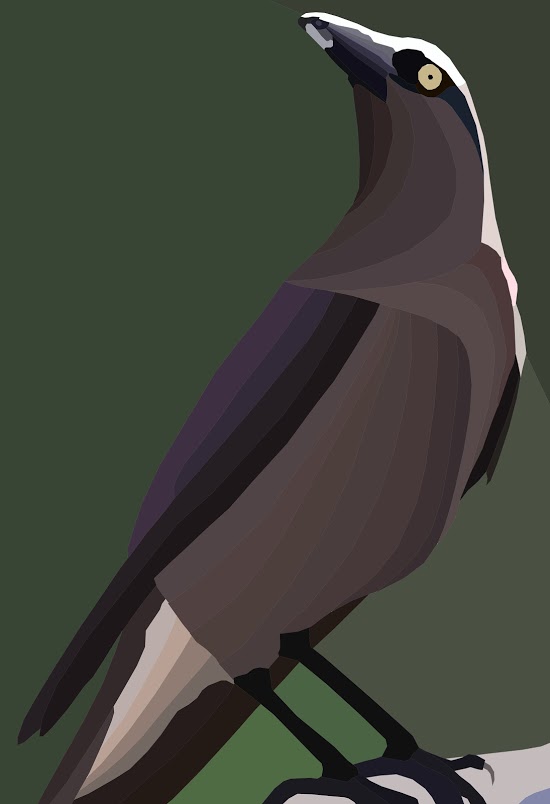
Low Poly art is where you reduce a detailed picture down to geometric shapes with blocked colors. How Detailed the pictures end up getting or how geometric the images end up becoming is up to the individual student. This Aesthetic is popular in Digital Art trends.


All Student - Will use the Keys on the keyboard to select tool as appose to pointing and clicking with the mouse.

Most Students- Will creating detailed images using the low poly design.

Some Students- Will add new elements and add new things to create an interesting original image, completely different from the source material.

Steps

1. Choose an image that is either in public domain, or is
2. Place the image in PhotoShop
3. Add a new layer
4. Use the polygonal lasso tool to make your geometric shapes
5. Use the ink dropper to find the right color
6. Use the paint bucket to fill the shapes you made with the lasso tool
7. Repeat steps till the object is covered.
8. As soon as you subject is done add a new layer, and fill the background.


Here are some examples of student art.
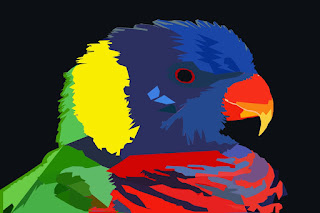


If you like this lesson, be sure to follow the blog to see them as they come out.

Grey scaling, Gray Toning, and Value and the three main traits of this project. And even though Value is Probably the more Logical Label, the terms grey scaling and grey toning are the new ways of doing an old trick.

When I was in College I took an oil painting class where we were required to turn a picture into black and white and then in a new layer of paint, add color. This is a technique that has been used since the days of Caravaggio, and it is now being repurposed for the digital medium. 

Image by Caravaggio.

Students are learning how to create a layer of drawing that it is done completely in Grey tones, after that layer is created, we using blending layers and opacity to create the color son top of it. 

Here is a great video on how to do the color layer for a portrait. 


However, we do landscapes in this Technique, so here is great video about the first steps of creating to grey layer, before the color is added. 


I have to say I was super impressed with the students final products. Remember these students are in 9th-12th grade and many of them have never used digital painting techniques before, and even fewer of them have use digital sketchpads before. 

I hope you enjoy some of their examples. 


If you like these ideas don't forget to follow the blog so you can see the stuffs as they get published!